Favicon Generator
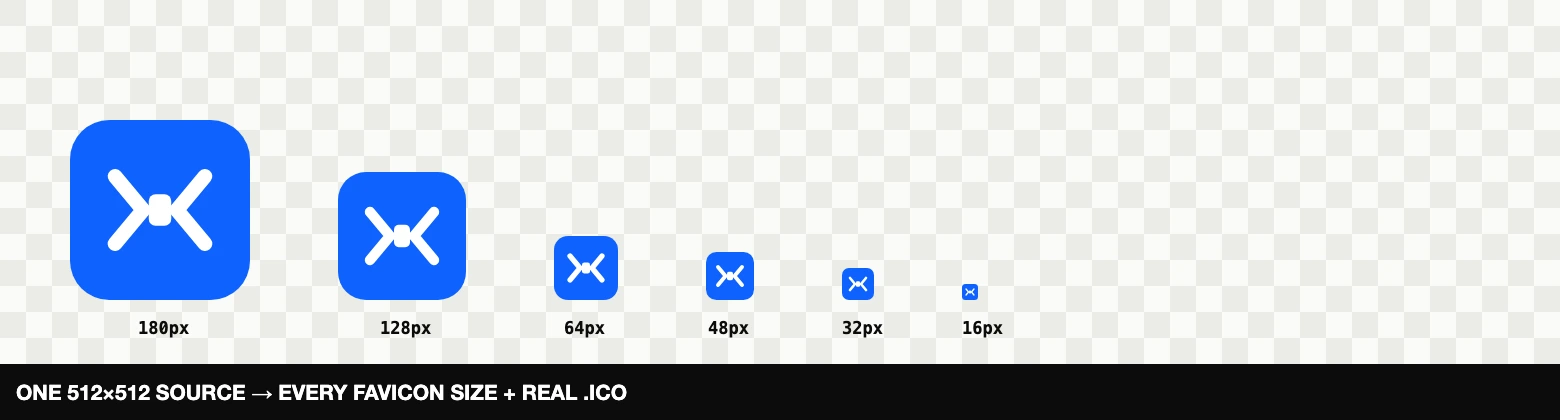
One square image in — every size your site needs out, including a genuine multi-size .ico and the HTML snippet.
Drop an image here, or click to choose
Square image, 512×512 or larger, PNG/SVG works best
How to use
- Drop a square PNG or SVG, ideally 512×512 pixels or larger.
- Inspect the generated size previews and copy the HTML snippet if your site needs it.
- Download the icon set and place the files where your website expects them.
Before you download
Test the 16 px preview before publishing. A simple, high-contrast mark survives browser tabs better than text or fine detail; keep the source SVG or PNG so you can regenerate the set later.
What you get
- favicon.ico — a real multi-size .ico (16+32+48) built in your browser, for maximum compatibility.
- favicon-16 / 32 / 48 — classic tab icons.
- apple-touch-icon (180) — iOS home screen.
- 192 / 512 — Android and PWA manifest icons.
The favicon size guide maps every file to its browser, Apple touch or PWA use and includes the HTML tags to copy.
Tips for icons that stay readable at 16 px
Non-square images are center-cropped automatically. Use a simple, high-contrast mark — fine detail turns to mush at 16 px. Downscaling here happens in halving steps, which keeps edges noticeably crisper than a single big resize. Starting from a vector? Read SVG vs PNG for logos and icons first.
Frequently asked questions
Do I still need a .ico file in 2026?
/favicon.ico by convention. This tool builds a genuine multi-size .ico (16+32+48 in one file), not a renamed PNG.