SVG vs PNG for Logos and Icons
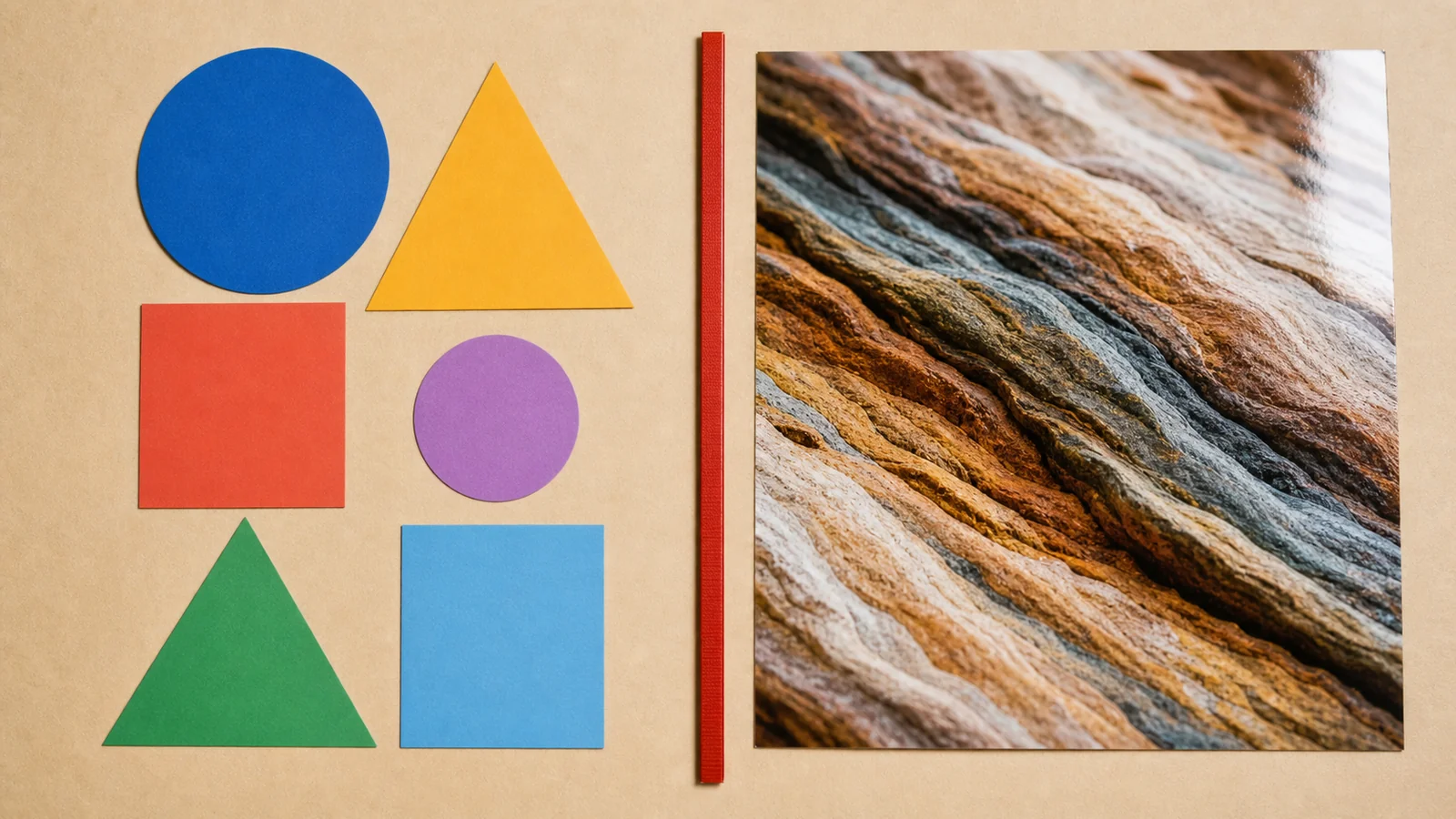
Logos and icons live a double life: infinitely-scalable design assets, and concrete files that must open in places with rules of their own. Here is the practical split.
The one-table answer
| SVG | PNG | |
|---|---|---|
| What it stores | Shapes as math (vector) | A grid of pixels (raster) |
| Scaling | Infinite, always sharp | Fixed — upscaling blurs |
| File size (logo) | Often 1–5 KB | Grows with dimensions |
| Photos | Wrong tool | Fine (PNG/WebP/JPG) |
| Works everywhere | Browsers yes; apps/stores often no | Universally |
Use SVG when…
- The asset is your own website’s logo, icon set or illustration — one tiny file covers every screen density forever.
- You want to recolor via CSS (
currentColor) or animate parts of the graphic. - The graphic is genuinely flat shapes and text, not photographic.
Use PNG when…
- The destination demands it: app store listings, marketplace uploads, email signatures, Slack/Discord emoji, older CMSs, print pipelines.
- The image contains photographic texture, shadows or complex gradients.
- You need pixel-exact control at a specific size — a hand-tuned 16 px icon often beats an auto-scaled vector.
The crossover: rasterizing SVG
Sooner or later every SVG logo needs a PNG version. Render it at exactly the size required, or 2× for high-DPI — never upscale a small PNG later. Our SVG to PNG converter renders with your browser’s own engine at 1×/2×/4×, keeping transparency, without uploading the file anywhere.
Favicons: the special case
Modern browsers accept SVG favicons, but the bulletproof setup still includes PNG sizes and a classic .ico. Drop a 512×512 version of your mark into the favicon generator and it produces the whole set — 16 through 512 plus a real multi-size .ico — with the HTML snippet ready to paste. Full size reference: image size cheat sheet.