Favicon Size Guide: 16×16 to 512×512
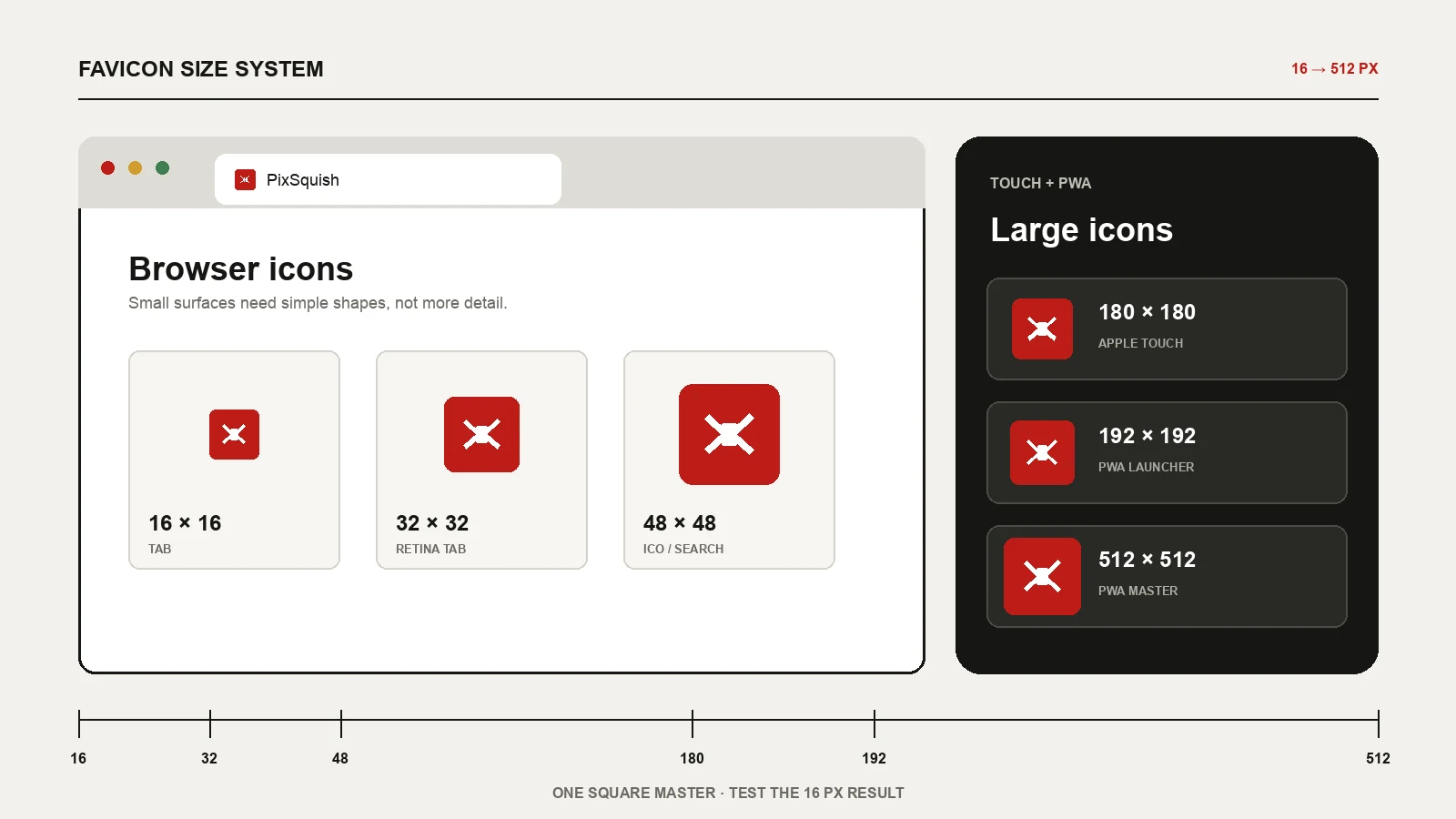
Short answer: for a normal website, ship a multi-size favicon.ico containing 16×16, 32×32 and 48×48 images, plus a 180×180 apple-touch-icon.png. Add 192×192 and 512×512 PNGs only when the site has a web app manifest or needs to be installed like an app.
Start from one square vector or a 512×512 PNG, but judge the design at 16 pixels. That tiny tab icon has only 256 pixels in total. A bold silhouette survives; text, gradients and thin detail usually do not.
The favicon sizes that matter
| Size | File | Used for | Need it? |
|---|---|---|---|
| 16×16 | favicon.ico | Standard browser tabs and compact UI | Yes, inside the ICO |
| 32×32 | favicon.ico / PNG | High-density tabs, bookmarks and shortcuts | Yes |
| 48×48 | favicon.ico | Desktop shortcuts and a larger raster fallback | Recommended |
| 180×180 | apple-touch-icon.png | Apple home-screen web clips | Recommended |
| 192×192 | icon-192.png | Chromium PWA launcher icon | PWA only |
| 512×512 | icon-512.png | PWA install and large app surfaces | PWA only |
You do not need twenty near-duplicate files. The first four rows cover a conventional website. The last two belong to an installable web app, not to the browser-tab favicon itself. For Open Graph, social and content-image dimensions, use the broader image size cheat sheet.
16, 32 and 48 pixels: the browser set
16×16 is the real design test
Browser tabs still render icons at roughly 16 CSS pixels in many layouts. The browser may load a larger source on a high-density display, but the visible mark remains tiny. Test this size at 100% zoom rather than enlarging it on screen. If the shape cannot be recognized immediately, remove detail.
32×32 handles high-density tabs
A 32×32 version gives the browser a clean raster for a 16 CSS-pixel slot on a 2× display. It is also useful for bookmark menus and desktop shortcuts. An explicit PNG is convenient, but a multi-resolution ICO can carry the same image.
48×48 is a useful fallback
The 48×48 image gives legacy desktop surfaces and crawlers a larger raster option without making the ICO heavy. Google Search does not require a separate 48 px file: it reads the icon declared on the home page and recommends a square source larger than 48×48 for quality on its different surfaces.
180 pixels: the Apple touch icon
apple-touch-icon.png is used when someone saves a website to an Apple home screen. A 180×180 PNG is the practical single-file choice for current high-density iPhone surfaces. Safari can choose among multiple declared sizes, but most ordinary sites do not gain anything from shipping a long historical list.
Keep the artwork square and let the operating system apply its own corner treatment. Do not bake a rounded square into another rounded square unless that double border is part of the brand.
192 and 512 pixels: only for installable PWAs
A web app manifest describes icons used on the launcher, task switcher, splash screen and other installed-app surfaces. Chromium requires at least 192×192 and 512×512 raster icons for the conventional manifest setup. If the website is not installable and has no manifest, these files do not improve the favicon in a browser tab.
For Android adaptive shapes, provide a maskable icon and keep the important artwork inside its safe area. A normal square icon can use purpose: "any"; a separately prepared version can use purpose: "maskable".
ICO, PNG or SVG?
| Format | Strength | Limitation |
|---|---|---|
| ICO | Stores 16, 32 and 48 pixel rasters in one broadly compatible file | Not convenient to edit by hand |
| PNG | Predictable transparency and pixel-perfect output | Needs separate files for separate sizes |
| SVG | Scales cleanly and can stay very small | Some older tools, crawlers and shortcut surfaces still expect raster or ICO |
A robust setup uses a multi-size ICO for the browser fallback, a 180 px PNG for Apple, and manifest PNGs only when needed. SVG is an excellent modern addition, but keep the ICO fallback unless you control every browser and integration that will consume the site. The SVG vs PNG guide covers the source-format decision in detail.
The HTML tags to copy
Place the files at stable URLs and add these tags inside the document <head>:
<link rel="icon" href="/favicon.ico" sizes="any">
<link rel="icon" type="image/png" sizes="32x32" href="/favicon-32.png">
<link rel="apple-touch-icon" sizes="180x180" href="/apple-touch-icon.png">
<link rel="manifest" href="/site.webmanifest">
Omit the manifest line when there is no manifest. For a PWA, the relevant part of site.webmanifest can be as small as:
{
  "icons": [
    {"src": "/icon-192.png", "sizes": "192x192", "type": "image/png"},
    {"src": "/icon-512.png", "sizes": "512x512", "type": "image/png"}
  ]
}
Google Search favicon checks
Google Search uses one favicon per hostname. The home page must declare it, Googlebot must be able to crawl the home page, and Googlebot-Image must be able to crawl the icon. The image must be square and at least 8×8 pixels; Google recommends a source larger than 48×48. Keep the favicon URL stable because changing it repeatedly delays processing.
Meeting those conditions makes the icon eligible, not guaranteed, to appear in search results. There is no special favicon sitemap or schema property that forces it to show.
Common favicon mistakes
- Starting from a 16 px file: it cannot produce a clean 180 or 512 px icon. Start large and downscale.
- Never inspecting 16 px: a detailed logo that looks good at 512 px can become an unreadable dot in a tab.
- Shipping PWA sizes without a manifest: the files sit unused and do not improve browser tabs.
- Blocking the icon in robots.txt: search engines cannot display an asset they cannot crawl.
- Changing the filename on every deploy: browsers and search engines cache favicons aggressively.
- Testing on one background: transparent artwork must remain visible in both light and dark browser chrome.
A two-minute workflow
- Prepare a simple square SVG or a transparent 512×512 PNG. Use the image cropper first if the source is not square.
- Run it through the PixSquish favicon generator.
- Inspect the 16 px result at actual size and simplify the source if it blurs.
- Download the ICO, PNG and Apple touch files. Keep the 192 and 512 files only for a PWA.
- Copy the generated tags, upload the files, then open each URL directly to confirm HTTP 200.
The generator performs every resize locally in the browser and builds a genuine ICO containing 16, 32 and 48 pixel images. Nothing is uploaded.
Frequently asked questions
What is the standard favicon size?
The visible browser-tab icon is commonly around 16×16 CSS pixels. Provide 16 and 32 pixel rasters inside a favicon.ico so normal and high-density displays can choose an appropriate source.
Do I need 192×192 and 512×512 icons?
Only for an installable PWA or another app-like surface that reads a web app manifest. A normal content site can stop at the ICO and Apple touch icon.
Can SVG be my only favicon?
Modern browsers can use SVG favicons, but raster and ICO fallbacks still cover more crawlers, bookmark tools and operating-system shortcuts. Use SVG as an addition rather than the only file.
Why does the old favicon still appear?
Favicons are cached by browsers, CDNs and search engines. Confirm that the public icon URL returns the new bytes, keep the URL stable, and allow time for each cache to refresh.