How Image Compression Actually Works
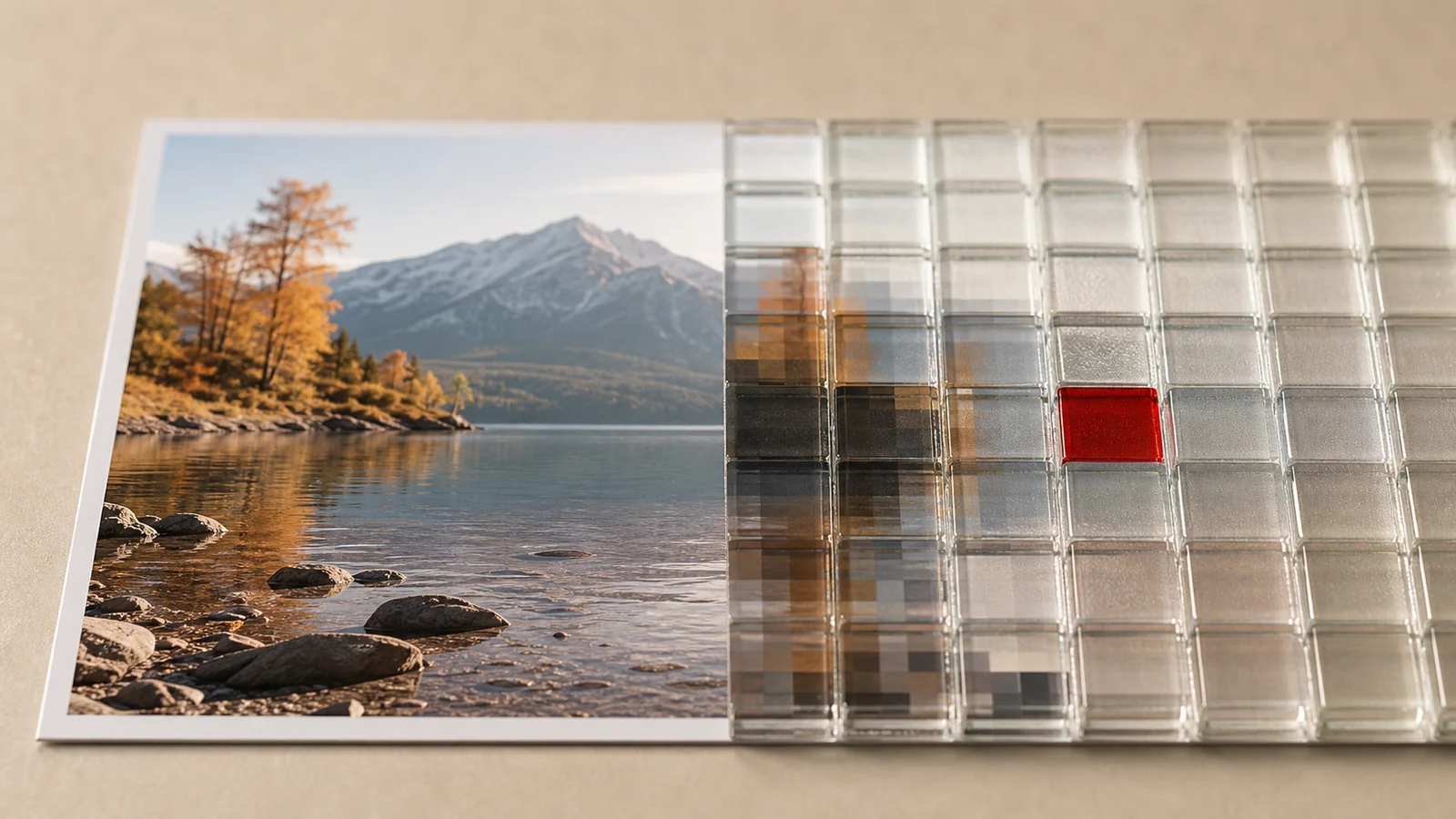
Every image tool has a quality slider, and almost nobody knows what it actually moves. Here is the mental model, minus the math.
Lossless: same pixels, cleverer bookkeeping
Lossless compression (PNG, lossless WebP) is pure bookkeeping: instead of writing “blue, blue, blue” two hundred times, the file says “200× blue”. Decompressing restores every pixel exactly. The catch: photographs barely have runs of identical pixels — sensor noise makes neighbouring pixels slightly different — so lossless barely helps them. It shines on screenshots, flat design and text.
Lossy: throw away what eyes ignore
Lossy compression (JPEG, WebP, AVIF) exploits two blind spots in human vision: we are bad at seeing fine detail in busy textures, and worse at seeing color changes than brightness changes. The encoder splits the image into blocks, converts them to frequencies, and rounds the high frequencies — fine detail — toward zero. Rounded-off zeros compress beautifully. That rounding is the “loss”: it never comes back.
What the quality slider does
The slider sets how aggressive that rounding is. The relationship is not linear:
- 100 → 85: file shrinks dramatically, differences are practically invisible.
- 85 → 70: still fine for most photos; sharp-eyed viewers spot softness in detail.
- Below ~60: block edges and smudged “mosquito noise” around contours appear.
That is why 75–85 is the standard advice: it sits right after the cliff where file size drops fastest, and right before artifacts become visible.
When compression backfires
- Re-compressing a compressed image stacks rounding on rounding. Generation two looks fine; generation five looks like a fax. Keep an original.
- Compressing tiny files can make them bigger — container overhead outweighs savings.
- Text and UI in lossy formats grows fuzzy halos. Screenshots want PNG.
Trust your eyes
Numbers lie about perception; pixels don’t. Our compressor shows a live before/after slider of the exact output file — drag quality down until you see the difference, step back up one notch, done. Locally, in your browser, with nothing uploaded. Choosing the container to compress into? That’s the format guide.